What Is an Embedded Computer? 7 Proven Facts Explained Simply
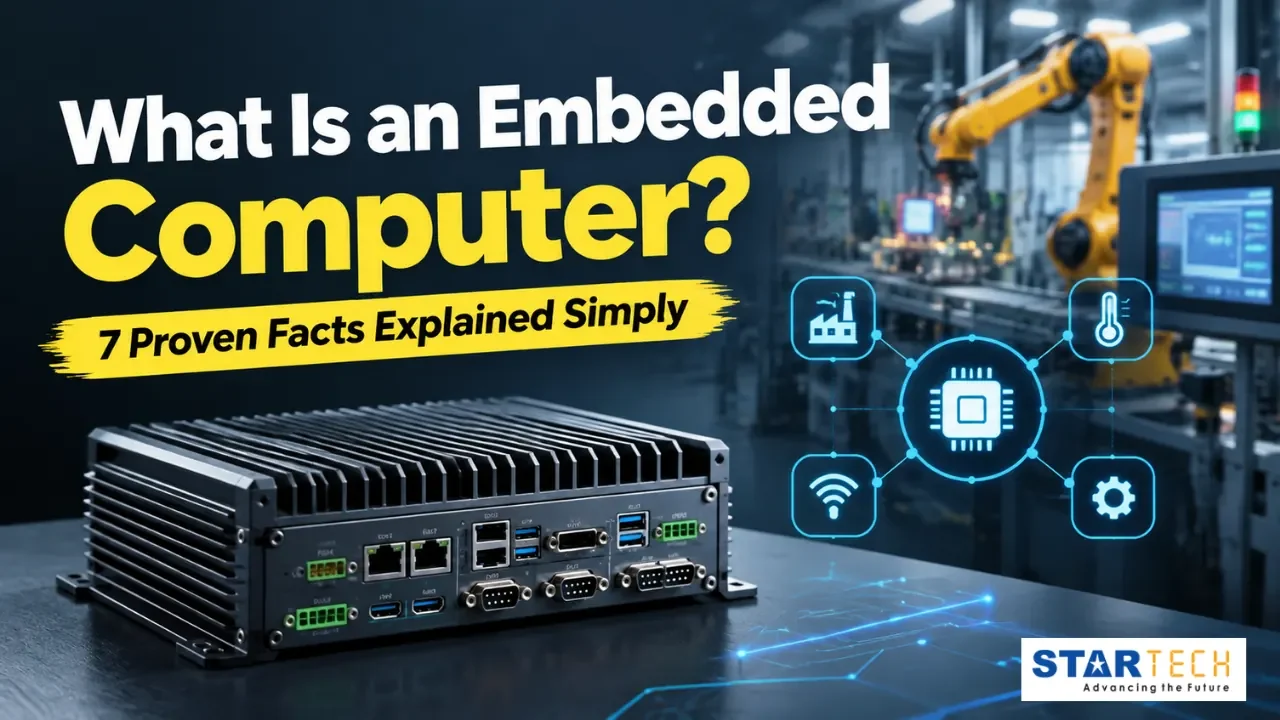
Quick answer: An embedded computer is a purpose-built computing device designed to carry out one dedicated function inside a larger machine or system, rather than running multiple general-purpose applications the way a desktop PC does. It combines a processor, memory, and I/O in a compact, often fanless design built for continuous, unattended operation.
If you’ve searched “what is an embedded computer” while trying to spec hardware for an industrial project, you’ve likely found answers that are either too academic or too generic to actually help you choose. This guide breaks the topic down into seven proven facts, drawn from what we see every day supporting industrial automation, building management, and IIoT deployments across the GCC — so by the end, you’ll be able to explain what is an embedded computer, spot the difference between an embedded computer and an embedded system, and know exactly which one to specify for your next project.
Fact 1: What Is an Embedded Computer? (Quick Definition)
So, what is an embedded computer at its core? Think of it as a specialist, not a generalist: a processor, memory, and I/O selected specifically for the one job it needs to do — running a factory controller, powering a digital kiosk, managing a building’s HVAC system, or processing sensor data at the network edge — rather than the broad, everyday computing a laptop or desktop is built for.
The defining trait of an embedded computer isn’t its size, though most are compact. It’s dedication. Every design decision — the processor chosen, the I/O included, the operating temperature it’s rated for — is made in service of one application, which is exactly what makes these systems so reliable in industrial settings where a standard PC would fail.
Fact 2: What Is an Embedded System? (And How It Differs)
Here’s where most explanations get confusing: people use “embedded computer” and “embedded system” interchangeably, but they’re not quite the same thing. So, what is embedded system exactly? An embedded system is the complete, deployed solution — the embedded computer itself, plus the sensors, software, interfaces, and mechanical housing it’s paired with to perform a dedicated task inside a larger product.
Put another way: the embedded computer is the engine. The embedded system is the whole vehicle. Every embedded system depends on an embedded computer to function, but not every embedded computer is sold or deployed as part of a fully packaged embedded system — many are supplied as standalone units that integrators build into their own solutions.
Fact 3: Embedded Computer vs Embedded System, Side-by-Side
| Aspect | Embedded Computer | Embedded System |
|---|---|---|
| Scope | The processing hardware itself | The complete solution: hardware, software, sensors, interfaces |
| Function | Executes the assigned task | Delivers the finished, dedicated application |
| Example | A fanless box PC or single-board computer | A traffic-light controller built around that box PC |
| Typical buyer | System integrators, OEMs, engineers | End users of the finished product or machine |
| Lifecycle owner | Hardware manufacturer / distributor | Solution designer or system integrator |
If you’re sourcing hardware to build a solution, you’re buying an embedded computer. If you’re describing the finished, deployed application, you’re describing an embedded system. Getting this distinction right matters when you’re writing a spec sheet or a procurement request — the wrong term can lead a supplier to quote the wrong scope entirely.
Fact 4: The Core Components Inside Every Embedded Computer

Every embedded computer — whether a compact fanless industrial box PC [LINK: fanless industrial box PC category page] or a larger rack-mounted unit — is built from a small, purpose-matched set of components, each optimised for reliability and efficiency over raw general-purpose power.
1. Processor
Ranges from a low-power microcontroller for basic control logic to an industrial-grade CPU capable of handling edge AI inference or real-time control, depending on the workload.
2. Memory
A mix of RAM for active processing and flash or SSD storage for firmware, the operating system, and application data — sized to the task rather than over-provisioned like a consumer machine.
3. I/O interfaces
Serial ports, GPIO, CAN bus, and Ethernet connections let the unit talk to sensors, actuators, PLCs, and other devices on the plant floor or in the field.
4. Power management
Wide-range DC input, surge protection, and low-power sleep modes keep the system stable where power quality can’t be guaranteed.
5. Operating system
Most run Embedded Linux, Windows IoT, or a Real-Time Operating System (RTOS) such as FreeRTOS or VxWorks, chosen based on how deterministic the response time needs to be.
Together, these components are what let an embedded computer run continuously for years in conditions that would quickly damage standard consumer hardware — and it’s this reliability that any complete embedded system ultimately depends on.
Fact 5: Embedded Computer vs Consumer PC
| Factor | Embedded Computer | Consumer PC |
|---|---|---|
| Purpose | One dedicated task | Multiple general-purpose tasks |
| Form factor | Compact, fanless, rugged | Tower, desktop, or laptop |
| Operating temperature | Often -20°C to 60°C, sometimes wider | 0°C to 35°C typical |
| Lifecycle availability | 5–10+ years of guaranteed supply | 12–18 months before revision |
| Maintenance model | Designed for minimal, often remote servicing | Regular user-driven upkeep |
| Cooling | Passive/fanless in most industrial designs | Active fan-based cooling |
This is the core reason industrial buyers choose an embedded computer over commercial-grade hardware: it’s engineered for years of unattended operation, not everyday desktop use.
Fact 6: Why GCC Environments Demand a Different Kind of Embedded Computer

Across the UAE, Saudi Arabia, Oman, and the wider GCC, embedded computers are routinely deployed in conditions that push standard hardware to its limits: sustained ambient heat well above 45°C, fine airborne dust, and facilities where power quality fluctuates. In our experience supporting deployments across the region, a fanless design with a wide operating temperature range and an appropriate IP rating isn’t a nice-to-have — it’s what keeps a control panel or IoT gateway running through a full summer without unplanned downtime.
When evaluating an embedded computer for a GCC application, prioritise these environmental factors alongside processing and I/O requirements:
- Operating temperature range – confirm it covers realistic ambient highs inside unventilated enclosures, not just open-air ratings.
- Ingress protection (IP rating) – IP40 for a clean control room versus IP65+ for exposure to dust or washdown.
- Passive cooling – fanless designs eliminate the single most common failure point in harsh, dusty environments.
- Power tolerance – wide DC input range and surge protection for sites with inconsistent grid quality.
Fact 7: Where Embedded Systems Are Used, By Industry and Certification
Embedded systems and the embedded computers powering them appear across nearly every industrial sector, and different verticals demand different certifications.
| Industry | Typical Application | Relevant Certifications/Standards |
|---|---|---|
| Industrial Automation & IIoT | PLC integration, machine monitoring, predictive maintenance | IEC 61131 , IEC 60068 (environmental) |
| Building Management Systems | HVAC, lighting, and energy management control | BACnet / Modbus compatibility, IEC 60950 |
| Defence & Military | Vehicle-mounted computing, surveillance, communications | MIL-STD-810G (shock/vibration/temperature), MIL-STD-461 (EMI) |
| Healthcare | Patient monitoring, imaging, diagnostic equipment | IEC 60601 , ISO 13485 |
| Transportation & Rail | Onboard control, signalling, passenger information | EN 50155 , EN 45545 |
| OT Cybersecurity & Edge Computing | Secure edge gateways, network intrusion protection | IEC 62443 |
1. Industrial Automation & IIoT
An embedded computer acts as the local processing layer, connecting PLCs, sensors, and actuators while feeding data upstream to IIoT platforms. In a smart factory, an embedded system built around a rugged industrial PC or IIoT gateway [LINK: IIoT gateway category page] might monitor machine vibration, flag anomalies, and trigger maintenance alerts in real time — before a failure takes the line down.
2. Building Management Systems
Modern BMS platforms rely on an embedded computer to control HVAC, lighting, and energy management functions from a single, centralised interface. Because these systems often run unattended for years inside a plant room, the hardware at their core needs the same reliability demanded by any other industrial deployment.
3. Defence & Military
Military-grade applications place some of the toughest demands on an embedded computer, requiring certified resistance to shock, vibration, extreme temperature swings, and electromagnetic interference. From vehicle-mounted computing to surveillance and secure communications, these deployments are built to standards that go well beyond typical industrial specifications.
4. Healthcare
Embedded computers in healthcare settings power patient monitoring systems, diagnostic imaging equipment, and infusion pumps that need to run reliably around the clock. Because a fault in this kind of embedded system can directly affect patient safety, certification against standards like IEC 60601 and ISO 13485 isn’t optional — it’s the baseline requirement before a device can even reach a hospital floor.
5. Transportation & Rail
Onboard an intercity train or metro carriage, an embedded computer handles everything from signalling and onboard control to real-time passenger information displays. These deployments face constant vibration, temperature swings, and electromagnetic interference, which is why rolling-stock electronics are built and tested to standards such as EN 50155 before they’re cleared for service.
6. OT Cybersecurity & Edge Computing
As industrial networks become more connected, embedded computers deployed at the edge increasingly need to do more than process data — they need to secure it. In OT cybersecurity applications, hardened network interfaces combine with local processing to protect operational technology environments from intrusion, without the latency of routing everything back to the cloud.
How to Choose the Right Embedded Computer

Selecting an embedded computer for a specific application comes down to matching hardware capability to real-world conditions:
1. Processing power
Match the CPU and memory to the workload, whether that’s basic control logic or edge AI inference.
2. I/O and connectivity
Confirm the unit supports the sensors, PLCs, and networks it needs to talk to.
3. Environmental rating
Check temperature range, IP rating, and vibration resistance against the actual deployment site, not just a datasheet average.
4. Form factor and mounting
Whether you need a DIN rail computer [LINK: DIN rail computer category page], a panel PC [LINK: panel PC category page], or a rack-mount unit depends on where the embedded computer will physically sit.
5. Lifecycle support
Confirm the manufacturer guarantees long-term availability, so a deployed embedded system doesn’t need re-engineering within two or three years.
6. Certifications
Verify the unit is certified for your industry (MIL-STD, IEC 60601, EN 50155, etc.) before, not after, procurement.
Not every supplier can back an embedded computer with this level of certification, lifecycle guarantee, and technical support. Working with an Advantech-certified partner [LINK: Advantech partner/brand page] gives you access to a proven, globally deployed product line, alongside brands like Kontron and Winmate for ruggedised and HMI-focused hardware, and Lantech for the networking layer that keeps distributed systems connected. Sourcing through a single, regionally established partner also simplifies pre-sales support, spare-parts availability, and RMA turnaround — details that matter far more once a system is running unattended in the field.
Conclusion
Strip away the terminology, and what is an embedded computer really? It comes down to one engineering choice: hardware built to do one job extremely well, for years, without anyone needing to touch it. Choosing the right embedded computer means matching processing power, I/O, and environmental resilience to the application at hand — and for industrial deployments across the GCC, that reliability is what separates a system that runs for a decade from one that fails within a year.
Have a specific application in mind? Startech FZE’s engineering team can help you match the right embedded computer to your environment, certification, and lifecycle requirements — get in touch to discuss your project.
FAQ
1. What is an embedded computer used for?
An embedded computer is used to run one dedicated function inside a larger machine or system — controlling industrial equipment, managing a building’s HVAC and lighting, powering a digital kiosk, or processing sensor data at the network edge.
2. What is an embedded system, in simple terms?
An embedded system is the complete solution built around an embedded computer — including its software, sensors, and physical interfaces — designed to perform one dedicated task inside a larger product.
3. What is the difference between an embedded computer and an embedded system?
An embedded computer is the processing hardware. An embedded system is the complete, deployed solution built around that hardware. You buy an embedded computer to build an embedded system.
4. What is an example of an embedded computer?
Common examples include fanless industrial box PCs, single-board computers, DIN rail computers, and panel PCs used in automation, BMS, and IIoT applications.
5. Are embedded computers the same as microcontrollers?
Not exactly. A microcontroller is one possible processor used inside an embedded computer. Some embedded computers use microcontrollers; others use full industrial-grade microprocessors for more demanding workloads.